
Sublimating phone cases is one of the easiest and most popular ways to start making custom products. The cases are small, cheap to ship, and always in demand, which makes them perfect for gifts, Etsy listings, or a growing sublimation business. Once you know the steps, you can press a finished case in just a few minutes.
This guide walks you through how to sublimate phone cases step by step, from the supplies you need to the exact pressing process, plus the settings and tips that give you bright, professional results. If you have not chosen your blanks yet, start with our guide to the best blank phone cases for sublimation, and if sublimation itself is new to you, read What Is Sublimation? A Beginner-Friendly Guide first.

What You Need to Sublimate Phone Cases
Before you press your first case, gather your supplies. You only need a handful of items, and most of them you will reuse for every other sublimation project.
- A sublimation printer with sublimation ink
- Sublimation paper
- Phone case blanks made for sublimation
- A heat press (a flat press works best)
- Heat-resistant tape
- Heat-resistant gloves
- Butcher paper or protective paper
- A lint roller or lint-free cloth
Not sure which printer to buy? See our roundup of the best sublimation printers in 2026, or learn how to convert the Epson EcoTank ET-2800 into a sublimation printer if you want a budget setup.
Supplies for Sublimating Phone Cases
Everything you need to press your first custom case.
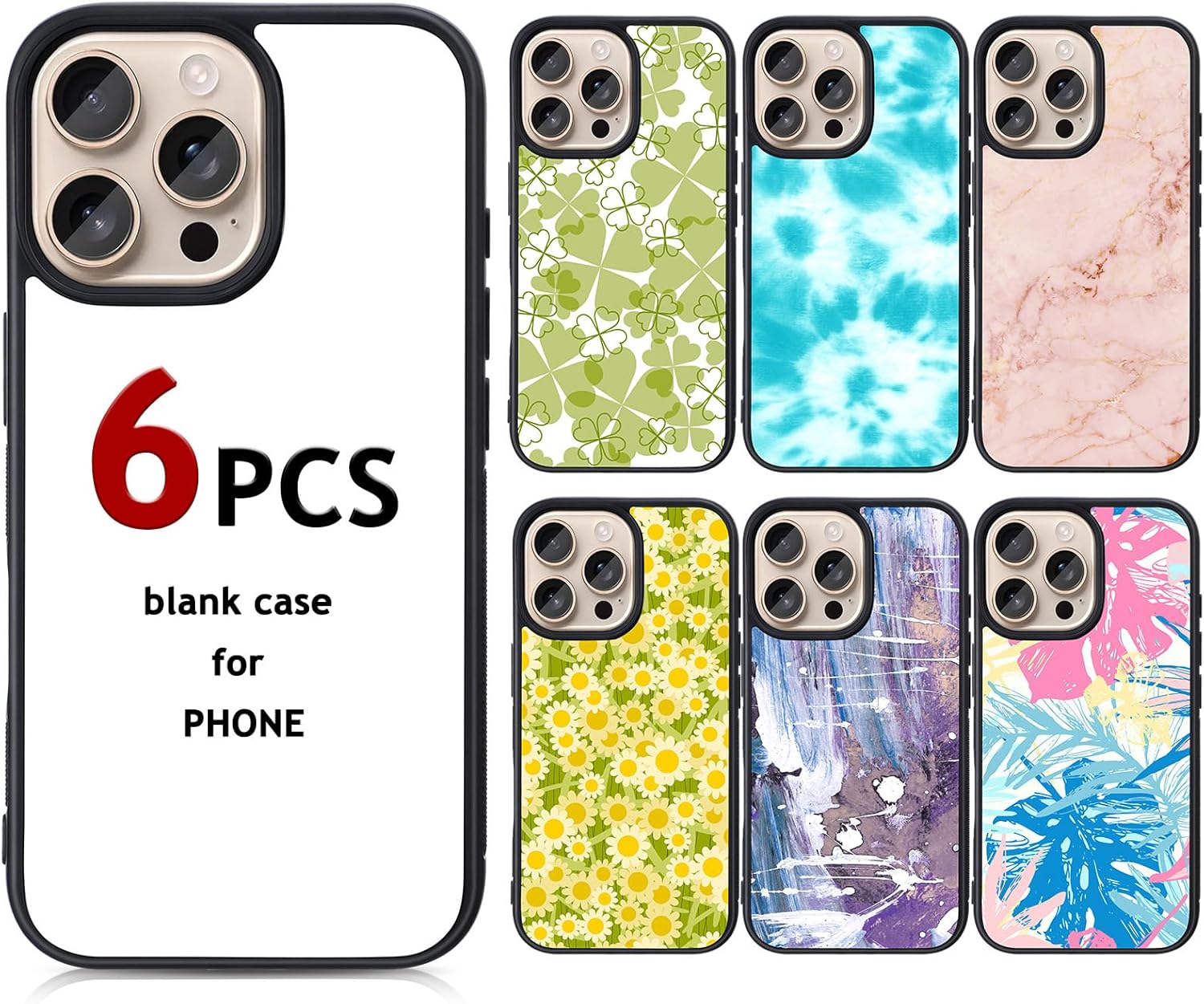
Phone Case Blank
A coated blank made for sublimation.
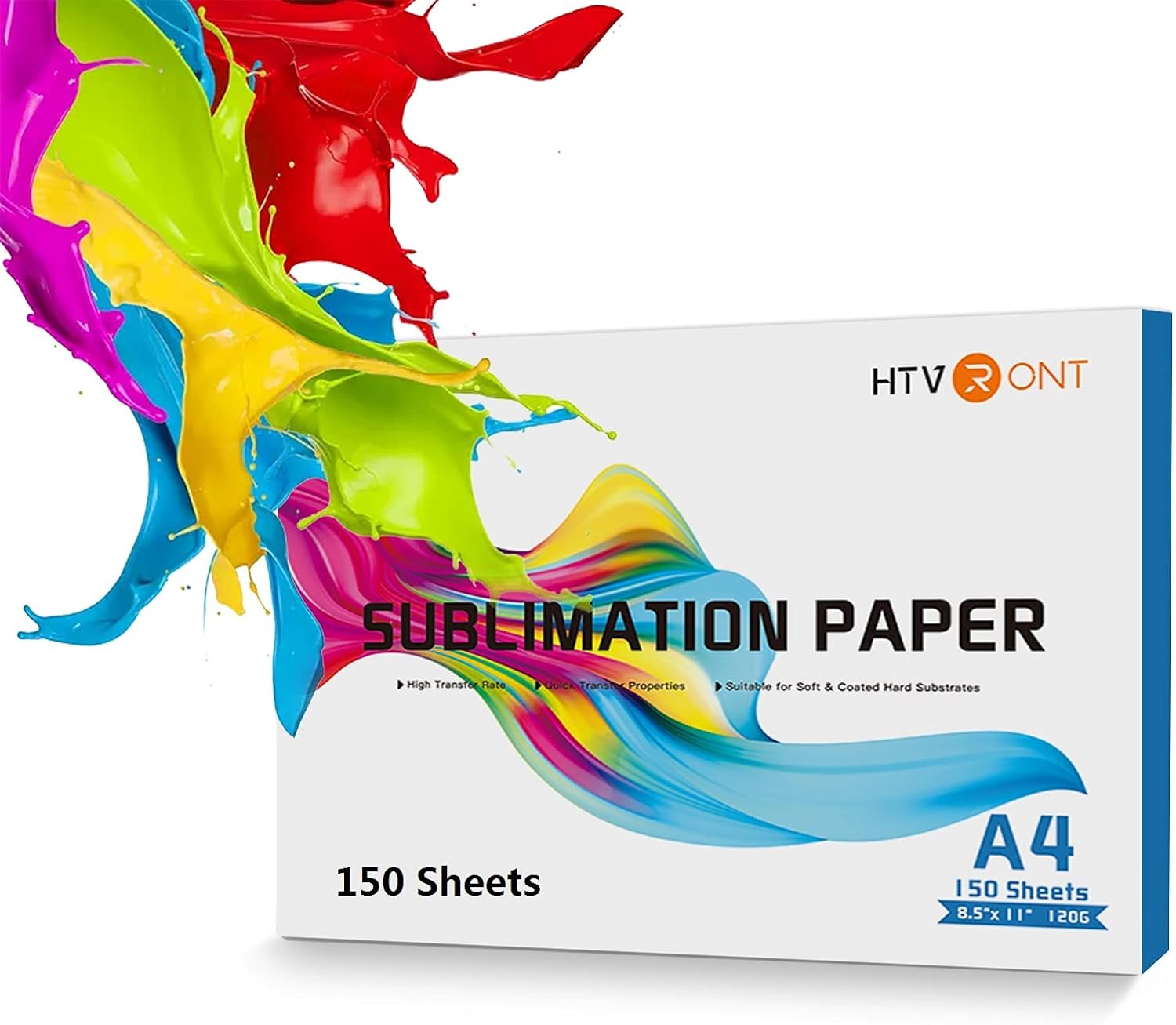
Sublimation Paper
For clean, bright ink transfers.
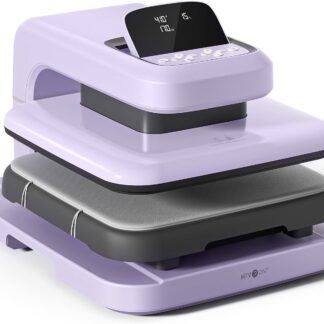
Heat Press
A flat press gives the most even results.
How to Sublimate a Phone Case: Step by Step
Here is the full process from start to finish. Read it through once before you press, then keep it nearby for your first few cases.
Step 1: Create and Mirror Your Design
Size your design to match your phone case template, then mirror it before printing. Mirroring matters most for text and logos, because an unmirrored design will print backwards on the finished case.
Step 2: Print on Sublimation Paper
Print your mirrored design onto the bright, coated side of your sublimation paper using sublimation ink. Let the print dry for a moment so the ink does not smudge when you handle it.
Step 3: Prep the Phone Case
Wipe the case with a lint-free cloth or lint roller to remove dust and fingerprints. For a metal insert case, take the insert out first, because you press the insert and then attach it to the case afterward.
Step 4: Position and Tape the Transfer
Place the printed side of the paper against the case or insert, line it up carefully, and secure it with heat-resistant tape on all sides. A tight, taped transfer stops the paper from shifting, which is the main cause of blurry or ghosted prints.
Step 5: Set Your Heat Press
Heat press settings vary by blank, so the supplier’s instructions are your most reliable guide. Phone cases are often pressed somewhere in the range of 380 to 400 degrees Fahrenheit (about 195 to 205 degrees Celsius) for under a minute with medium pressure, but treat that only as a rough idea of what to expect. Set your press to the temperature, time, and pressure your blank’s manufacturer recommends, and adjust from there if a test piece needs it.
Step 6: Press the Case
Place a sheet of butcher paper above and below to protect your press, then press for the set time. Keep your pressure even so the whole design transfers with the same color and sharpness.
Step 7: Cool, Reveal, and Assemble
Wear heat-resistant gloves, remove the transfer, and let the case cool. Freshly pressed cases are hot and scratch easily, so wait before handling. For metal insert cases, snap the cooled insert into the case to finish.
Quick Tip: Always Press a Test Case First
Before you press an order, run one test case with the same blank, paper, and settings. Check the color, sharpness, and fit, then lock in those settings. A single test case saves you from ruining a batch.
Hard Plastic vs Metal Insert Cases
The process is slightly different depending on the type of blank you use. With a hard plastic case, you sublimate directly onto the case, so there is no insert to attach. With a metal insert case, you press the flat aluminium insert and then snap it into the case once it has cooled.
Metal insert cases usually give the sharpest, most photo-like results, while hard plastic cases are cheaper and faster to make. For a full breakdown of both types, see our guide to the best blank phone cases for sublimation.
Tips for Better Sublimated Phone Cases
Use Quality Paper and Ink
Good sublimation paper and ink make a real difference to color and detail. Cheap paper can cause dull tones, ghosting, or uneven transfers.
Tape Securely and Keep It Flat
A transfer that shifts even slightly will blur. Tape all sides and keep the paper flat against the surface.
Watch for Moisture
Damp paper can cause color shifts and a yellow tint. Store your paper somewhere dry, and some makers pre-press blanks briefly to remove moisture.
Let Each Case Cool Fully
Handling a hot case can smear the design or scratch the finish. Let it cool before you package it or attach an insert.
Common Mistakes to Avoid
Forgetting to Mirror the Design
This is the most common beginner mistake. Always mirror before printing, especially for text.
Using the Wrong Settings
Too much heat can scorch the case, and too little leaves the design faded. Start from the supplier settings and test before you scale.
Pressing a Regular Phone Case
Only cases with a sublimation coating will work. A standard case has no coating for the ink to bond with, so the design will not hold.
FAQ
What temperature do you sublimate phone cases at?
It depends on the blank, so the manufacturer’s recommended settings are the ones to follow. Many phone case blanks fall somewhere around 380 to 400 degrees Fahrenheit for under a minute, but always check the instructions that come with your specific cases rather than relying on a single fixed number.
Can you sublimate on any phone case?
No. You need a phone case made for sublimation, with a special coating or a metal insert. A regular case will not hold the design.
Do I need a special printer to sublimate phone cases?
Yes. You need a sublimation printer with sublimation ink. A regular inkjet printer with normal ink will not transfer the design.
Why did my sublimated phone case come out faded?
Faded results usually come from too little time or heat, a weak coating, or low-quality paper and ink. Test your settings and check that your blanks are good quality.
Can you use a heat press or an oven for phone cases?
A flat heat press gives the most reliable results for phone cases and inserts. Some makers use convection ovens for wrapped blanks, but for flat cases a press is simpler and more consistent.
Conclusion
Sublimating phone cases is simple once you have the right blanks, the right settings, and a little practice. Mirror your design, tape your transfer well, follow your supplier settings, and always press a test case first. Do that and you will turn out bright, sharp, professional cases every time.
Ready to stock up? Browse the best blank phone cases for sublimation and the best places to buy your other sublimation blanks. If you are still setting up, our guide on how to get started with sublimation covers the rest of your kit.